
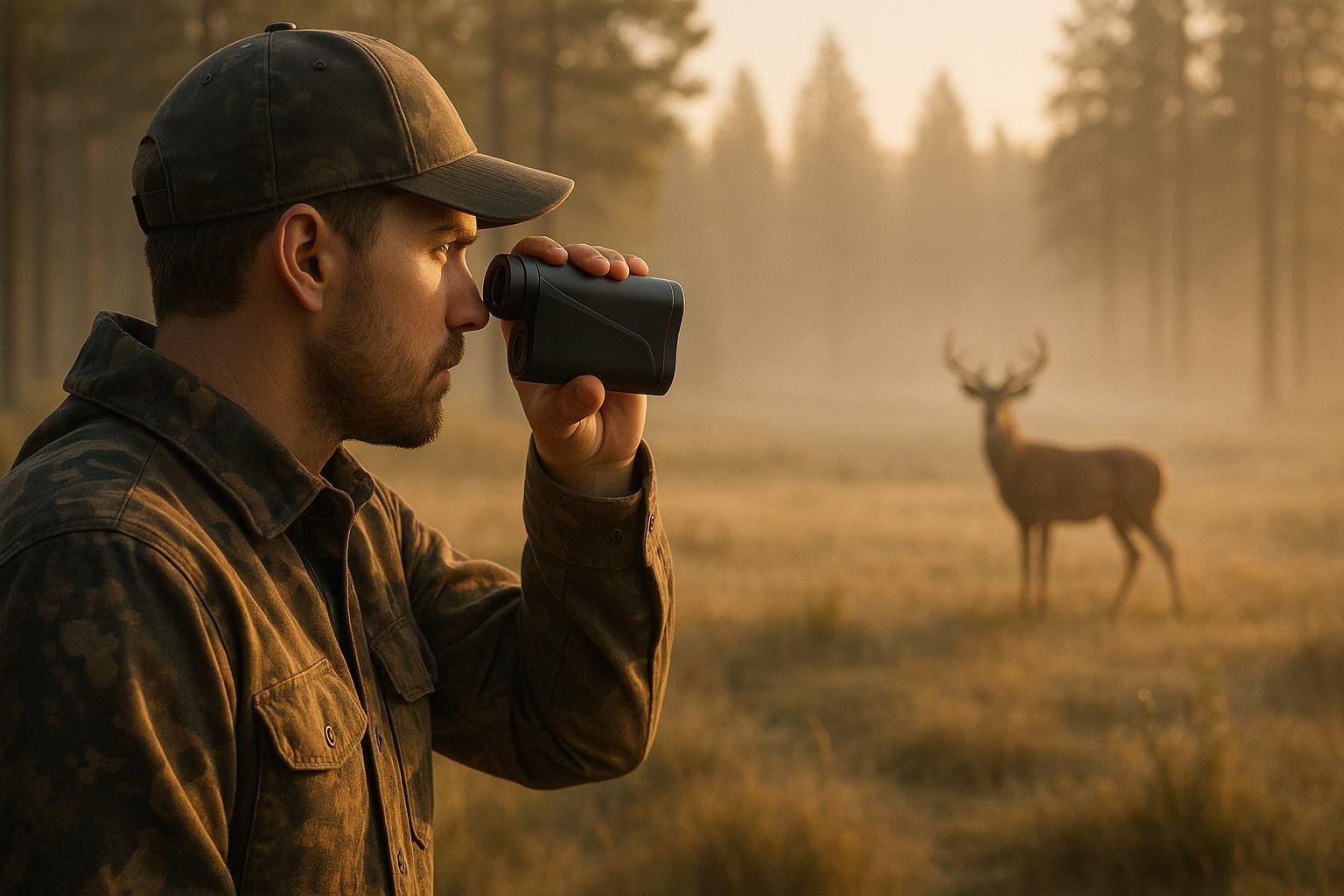
Master Your Shots with a Rangefinder Distance Estimator
For hunters and shooters, knowing the distance to a target can make or break a shot. That’s where a tool like our distance estimation calculator comes in handy. Whether you’re out in the woods tracking game or honing your skills at the range, having a quick way to gauge how far away something is—without dragging along extra equipment—can be a real lifesaver.
Why Estimate Distance?
Long before high-tech gadgets became the norm, outdoorsmen relied on visual cues and a bit of math to figure out their positioning. Using known sizes of objects, like the height of a deer or the width of a tree trunk, paired with angular measurements, they could get a rough idea of range. Today, this same principle powers our easy-to-use tool, letting you punch in a few numbers to get a yardage estimate in seconds.
Tips for Better Estimates
Start with objects you’re familiar with to improve accuracy. Practice in different environments to get a feel for how perspective shifts with terrain. Over time, you’ll develop an instinct for these calculations, making every outing more successful. Keep this utility in your digital toolkit for those moments when precision matters most.
FAQs
How accurate is this distance estimator compared to a real rangefinder?
This tool gives a solid approximation based on the inputs you provide, using standard formulas for mil-radians and MOA. That said, it’s not as precise as a dedicated laser rangefinder since it relies on your perception of size and visual cues. Think of it as a handy backup or training aid for when you don’t have gear on hand—just don’t rely on it for critical shots where exact distance matters.
What are some common objects I can use for size reference?
You can use anything with a known size that’s common in your environment. For hunters, a deer’s shoulder height is a great benchmark—adult deer often measure around 36 inches at the shoulder. Other options include fence posts, which are often about 48 inches tall, or even a standard vehicle tire at roughly 24 inches in diameter. Just make sure you’ve got a good visual on the object to estimate its perceived size accurately.
What if I enter values outside the acceptable range?
No worries! If you input a value that’s outside the allowed range—like an object size over 100 inches or a perceived size below 0.1—the tool will display a friendly message asking you to adjust your numbers. It’s designed to keep things simple and prevent errors, so just double-check your inputs and try again.